What Is SynthID? How Invisible AI Watermarks Work (And Whether They Can Be Removed)
Key takeaways
- SynthID is an invisible, pixel-level watermark embedded during generation — not a logo, not metadata, and not visible at any zoom level.
- It is designed to survive compression, resizing, cropping, colour changes and screenshots. That durability is the entire point of the design.
- Only the issuing party can verify it. There is no public tool that reliably tells you whether a given image carries it.
- The honest answer on removal: no browser tool can guarantee it. Pixel-domain disruption is best-effort and costs you image quality.
- What you *can* fully control is the metadata layer and any visible badge — both deterministic, both free to handle in your browser.
Search "how to remove SynthID" and you will find a wall of pages promising a one-click fix. Almost none of them explain what SynthID is, and the ones that promise a guarantee are describing something they cannot deliver.
Here is the version that respects your intelligence: what the technology is, why it is genuinely hard to defeat, what actually happens when you process an image, and which parts of the problem you *can* solve completely today.
This is the watermark spoke of our AI image detection pillar guide.
SynthID is not a logo
Three different things get called "the AI watermark", and they need completely different treatment. Getting them mixed up is why so much advice on this topic is useless.
| Thing | Where it lives | Visible? | Can you remove it? |
|---|---|---|---|
| Visible badge — the coloured strip or logo on the edge | In the picture's pixels, as an overlay | Yes | Yes — crop or patch it |
| Provenance metadata — C2PA, EXIF, XMP tags | In the file container, around the pixels | No | Yes — deterministically, by re-encoding |
| Invisible watermark — SynthID and similar | Distributed through the pixel values | No | Not reliably. Best-effort at best |
SynthID is strictly the third row. It is not something you can see, crop out, or find by inspecting the file's metadata.
How an invisible pixel watermark is embedded
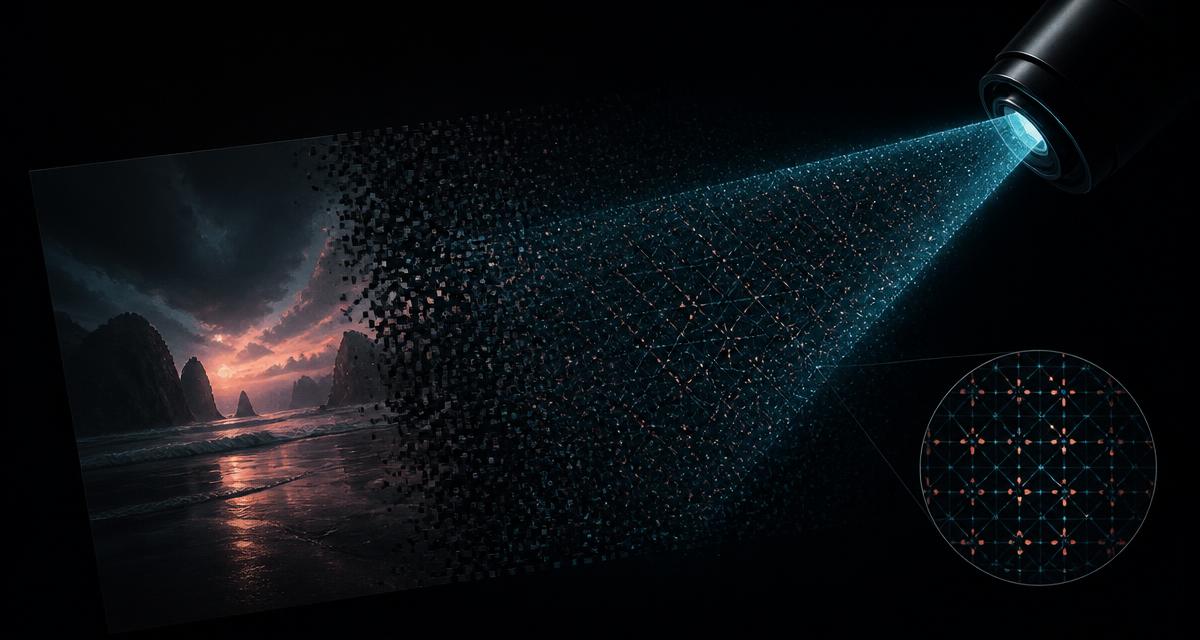
At generation time, the watermarking system makes tiny, structured adjustments to pixel values across the image. Two properties make the result durable:
- Redundancy. The signal is spread across the whole frame rather than stored in one region, so cropping away part of the image leaves plenty of the mark behind.
- Perceptual masking. The adjustments are placed where human vision is least sensitive — in texture, in high-frequency detail, distributed across colour channels — so the picture looks unchanged while the statistics carry a payload.
A paired detector model is trained to recognise that statistical signature. Detection is a probabilistic judgement about whether the pattern is present, which is why it can still succeed after the image has been mangled by ordinary use.
Why "just re-compress it" does not work
This is the advice repeated everywhere, and it comes from confusing metadata with watermarking.
Re-compressing an image does destroy the metadata layer, completely and reliably — because metadata is not part of the picture. Decode to pixels, encode a new file, and the container is gone.
Re-compressing does not reliably destroy a robust pixel watermark, because the watermark *is* part of the picture. Compression degrades detail, and a robust scheme is built with enough margin to remain detectable through exactly that degradation.
Rule of thumb: if an operation throws away the file container, it kills metadata. If an operation only changes the pixels a bit, a robust watermark probably lives.
What pixel-domain disruption can honestly achieve
Not all watermarking is robust. Plenty of schemes are fragile, and fragile embeddings genuinely do break under aggressive processing. That is why our Remove AI Metadata tool offers optional resample and dither strengths — and why the interface labels them best-effort, not guaranteed.
What those options do, and what they cost:
- Aggressive downsample-then-upsample rewrites local pixel relationships and can break fragile embeddings. Cost: real loss of fine detail.
- Requantisation and dithering perturb the low-amplitude statistics watermarks hide in. Cost: visible noise in flat areas such as skies and skin.
- Strong re-compression adds its own artefact structure over the top. Cost: blocking and colour banding.
Every one of those degrades your image. If it were free, everyone would do it by default. It is not free, and against a robust scheme it may buy you nothing at all.
What you can control completely
Here is the part almost nobody tells you clearly: two of the three layers are fully solvable, and they are the two that actually trigger platform labels today.
- 1The visible badge. A crop or patch operation on the strip region. Presets for the common model output sizes are in our Remove AI Watermark tool, and the full walkthrough is in remove AI watermarks from Gemini and DALL·E images.
- 2The provenance container. C2PA manifests, EXIF generator tags, XMP creator tools, IPTC source-type fields and PNG text chunks — all discarded when the image is re-encoded from its raw pixel buffer. Deterministic, verifiable, no guesswork.
Checking your own images
You cannot verify SynthID yourself, but you can see everything else, and "everything else" is usually what got you flagged.
- 1Open your image in the Remove AI Metadata tool — processing happens locally, nothing is uploaded.
- 2Read the findings list: which provenance blocks are present, and what each one declares.
- 3Strip the container and, if you understand the trade-off, choose a resample or dither strength.
- 4Compare the before/after detection-likelihood report to see which signals actually disappeared.
Read next: AI image metadata explained — EXIF, XMP, C2PA and generator tags →
The honest bottom line
Invisible watermarking is a real, well-engineered technology, and pretending otherwise wastes your time and your image quality. But the labels you are fighting today are overwhelmingly driven by the metadata layer — the part that is fully within your control, free to inspect, and removed with certainty rather than hope.
Fix what is fixable. Be honest about what is not. And treat any tool promising to guarantee watermark removal as a signal about that tool, not about the watermark.
Frequently Asked Questions
What is SynthID?
SynthID is Google DeepMind's watermarking technology for AI-generated media. For images it embeds an imperceptible statistical pattern directly into the pixel values at generation time, so the mark travels with the picture itself rather than sitting in the file's metadata, and it can later be detected by a matching verifier.
How does SynthID work?
Rather than overlaying a visible mark, the watermark is woven into the image during generation as a subtle, spatially distributed modification of pixel values that a paired detector model is trained to recognise. Because the signal is spread across the image and encoded redundantly, it is engineered to remain detectable after ordinary transformations such as JPEG compression, resizing, cropping and screenshotting.
Can the SynthID watermark be removed?
Not reliably, and not by any browser-based tool that claims otherwise. Robust watermarks are explicitly designed to survive the operations most people would try — re-compression, resampling, cropping and screenshots. Heavy pixel-domain processing can degrade fragile watermarking schemes, but it is best-effort only, it visibly damages your image, and it offers no guarantee against a robust scheme.
How can I check if an image has a SynthID watermark?
You generally cannot, independently. Verification requires the matching detector held by the issuing organisation, which is exposed only through their own products and partner integrations. This asymmetry is intentional: a freely available verifier would also serve as a tool for attacking the watermark.
Is SynthID the same as C2PA Content Credentials?
No, and confusing them is the most common mistake in this topic. SynthID lives in the pixels and survives re-encoding. C2PA Content Credentials live in the file container as a signed manifest, and disappear the moment the image is decoded and re-encoded from raw pixels. They are complementary layers and require completely different handling.
Does screenshotting an image remove the invisible watermark?
It removes the metadata layer, because a screenshot creates a brand-new file with none of the original container data. It does not reliably remove a robust pixel watermark — surviving screen capture and recompression is one of the explicit design goals of schemes like SynthID.
What can I actually remove from an AI image?
Two things, deterministically: the visible badge that some models stamp onto the image edge, which is a crop or patch operation, and the entire metadata container including C2PA manifests, EXIF, XMP, IPTC and PNG text chunks, which is removed by re-encoding from raw pixels. Both can be done free in your browser with nothing uploaded.
AI Image Detection & Provenance: complete guide series
AI Image Detection in 2026: How Detectors, Watermarks and Metadata Really Work
How AI image detectors, invisible watermarks like SynthID and C2PA metadata actually flag pictures as AI-generated — plus how to inspect and clean your own images free.
How Do AI Image Detectors Work — and How Accurate Are They Really?
11 min readAI Image Metadata Explained: EXIF, XMP, C2PA and the Generator Tags That Expose You
12 min readC2PA Content Credentials Explained: The Invisible Label Attached to Your Images
11 min readHow to Check If Your Image Looks AI-Generated: Reading a Before-and-After Detection Report
10 min readWhy Instagram and Facebook Label Your Photo as AI-Generated (And How to Stop It)
9 min read