Free Play Store Feature Graphic Generator: Create 1024×500 Banners Instantly
What Is a Google Play Feature Graphic?
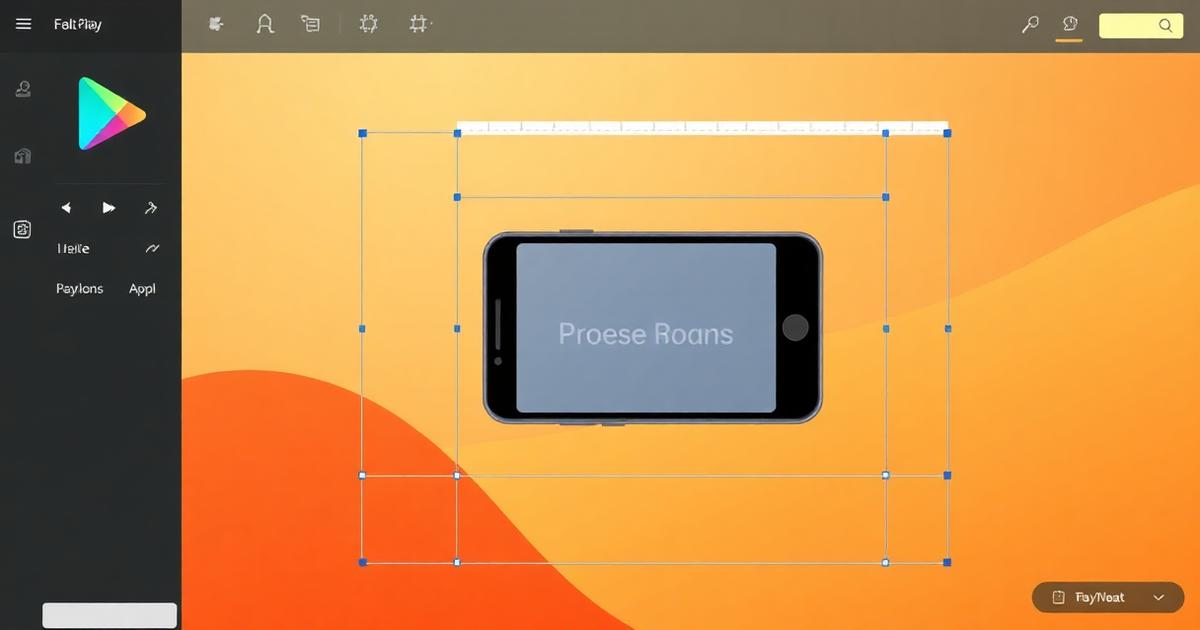
The feature graphic is a 1024×500 pixel banner that appears at the top of your Android app's Google Play Store listing. It's the largest visual element on your listing page and the first thing users see when they visit your app's page — or when Google features your app in editorial collections.
Despite its importance, many indie developers skip the feature graphic or throw together something mediocre because creating a professional banner requires design skills and tools like Photoshop or Figma. That's the problem our free Feature Graphic Generator solves.
How to Create a Feature Graphic in 60 Seconds
Our tool turns a screenshot and a headline into a polished Play Store banner — entirely in your browser.
Step 1: Upload an app screenshot. This will be placed inside a realistic device frame on the right side of the banner, showing your app in action.
Step 2: Write your headline. This is your app's value proposition in 3-6 words. Think: "Organize Your Life" or "Photo Editing Made Simple". An optional subtitle adds context.
Step 3: Choose a gradient background. Select from 6 carefully designed presets — Purple Blaze, Sunset Coral, Ocean Blue, Emerald, Charcoal, or Peach Dream. Each creates a professional, eye-catching backdrop.
Step 4: Click Generate and download your 1024×500 PNG, ready to upload to Google Play Console.
What Makes a Great Feature Graphic?
The best feature graphics follow a simple formula: clear text on the left + app screenshot on the right + vibrant background. Here's what the top-performing Play Store apps get right:
Headline clarity: Your headline should communicate what the app does, not what it is. "Track Your Runs" is better than "Running App 2025". Keep it under 6 words — the graphic appears at various sizes across the Play Store.
High-contrast text: White text on dark gradients or dark text on light gradients. Never place light text on a light background. Our tool automatically selects the right text color based on your gradient choice.
Device mockup quality: Showing a real screenshot inside a phone frame creates trust. Users can immediately see the actual interface before installing. Our tool handles the device frame rendering with accurate bezels and rounded corners.
Minimal clutter: Resist the urge to add logos, badges, ratings, or multiple screenshots. The feature graphic works best as a simple, focused visual.
Google Play Feature Graphic Specifications
Here are the current Google Play Console requirements for feature graphics:
Dimensions: 1024 × 500 pixels (exactly)
Format: PNG or JPEG
File size: Maximum 1 MB (our tool outputs optimized PNGs well under this limit)
Content: Must not contain content that violates Google Play policies
Text: Keep text large enough to be readable when the graphic is displayed at smaller sizes on the Play Store homepage
Complete Your Play Store Listing
A great feature graphic is one part of a compelling Play Store listing. Pair it with these companion tools for a complete, professional app submission:
For general image optimization before uploading to Google Play Console, use our core image tools:
Compress images to meet file size limits →
Resize screenshots to exact dimensions →
Convert images between formats →
Why Browser-Based Is Better
Traditional feature graphic creation involves opening Photoshop, creating a 1024×500 canvas, importing your screenshot, adding text layers, tweaking colors, exporting, and checking the file size. That's 15-30 minutes of design work for every graphic.
Our browser-based approach takes 60 seconds. And because everything processes locally on your device, there's no upload wait time, no server processing, and no risk of your unreleased app screenshots being exposed to third-party infrastructure.
Frequently Asked Questions
What size is a Google Play feature graphic?
The Google Play feature graphic is exactly 1024×500 pixels in PNG or JPEG format. This banner appears at the top of your app's Play Store listing and in featured app promotions.
How do I create a Play Store feature graphic without Photoshop?
Use iHateIMG's free Feature Graphic Generator. Upload an app screenshot, add a headline and subtitle, choose a gradient background, and export the 1024×500 banner instantly — all in your browser.
What should I include in my Play Store feature graphic?
Best practices include: a clear headline describing your app's value, your app screenshot in a device frame, and a vibrant gradient background. Keep text minimal and ensure the image looks good at small sizes too.
Can I customize the background of the feature graphic?
Yes. The tool includes 6 gradient presets (Purple Blaze, Sunset Coral, Ocean Blue, Emerald, Charcoal, Peach Dream) that cover a wide range of app aesthetics and brand palettes.
Is the feature graphic generator free?
Yes, completely free with no watermarks. Processing happens in your browser — your screenshots and designs never leave your device.
Related Articles
AI Image Detection in 2026: How Detectors, Watermarks and Metadata Really Work
16 min readAI Image Metadata Explained: EXIF, XMP, C2PA and the Generator Tags That Expose You
12 min readAI Image Watermark Remover: The Complete 2026 Guide
10 min readAutomate Your Image Workflow with Batch Processing
6 min read