Best Image Compression Techniques in 2025
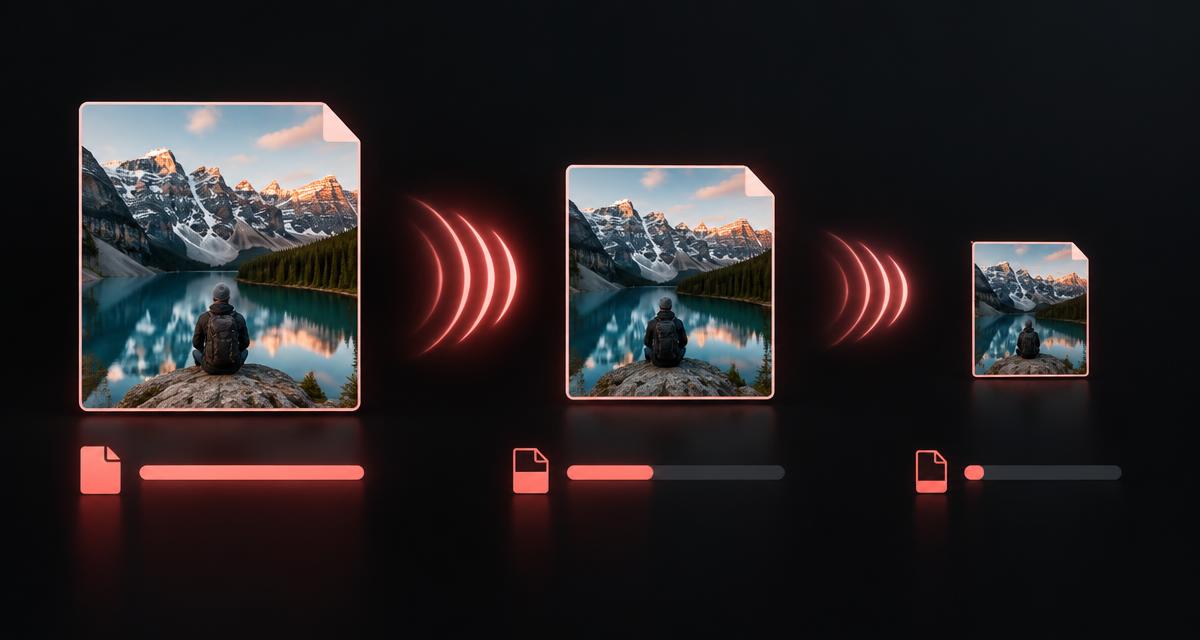
Key takeaways
- Quality 75-85 is the sweet spot for almost all web photography — below it artefacts show, above it you pay bytes for detail nobody sees.
- Lossless compression is for pixel-exact work: logos, screenshots, diagrams. Photographs almost never need it.
- WebP is the safe default today, with universal browser support and clear gains over JPEG and PNG.
- AVIF goes roughly 50% smaller than JPEG at matched quality, and works well behind a picture element fallback.
- Stripping metadata is free size: a photo can carry kilobytes of EXIF you never intended to publish.
The State of Image Compression in 2025
Image compression has evolved dramatically. In 2025, the balance between file size and visual fidelity has never been better thanks to advances in both lossy and lossless algorithms.
Lossy Compression for Web Images
Lossy compression remains the go-to for web images. Modern JPEG encoders like MozJPEG can achieve 60-70% size reduction with virtually imperceptible quality loss. The key is finding the right quality threshold — typically between 75-85% for most web use cases.
Lossless Compression When Every Pixel Matters
Lossless compression shines when every pixel matters. PNG optimization tools strip unnecessary metadata and apply advanced DEFLATE algorithms, often shaving 20-40% off file sizes without touching a single pixel.
WebP: The De Facto Web Standard
WebP has become the de facto standard for web images, offering both lossy and lossless modes with superior compression ratios compared to JPEG and PNG. Browser support is now universal, making it a safe choice for any project. Learn more about format tradeoffs in our JPG vs PNG vs WebP guide.
Read: JPG vs PNG vs WebP — The Ultimate Format Guide →
AVIF: The New Frontier
AVIF is the new frontier. Based on the AV1 video codec, AVIF delivers stunning compression ratios — often 50% smaller than JPEG at equivalent quality. Support is growing rapidly across browsers and tools.
The best strategy? Use multiple formats with the HTML picture element. Serve AVIF to browsers that support it, fall back to WebP, and use JPEG as the final fallback. This approach ensures every visitor gets the smallest possible file.
Image Compression for App Developers
If you're building mobile apps, optimized images are critical for app size and performance. Compress your App Store screenshots, feature graphics, and marketing assets before uploading:
Create device mockups for app marketing →
Generate Play Store feature graphics →
Frequently Asked Questions
What is the best image compression format in 2025?
WebP for general use, because support is universal and it beats both JPEG and PNG in its lossy and lossless modes. AVIF when you want the smallest possible file and can serve a fallback — it typically lands around half the size of an equivalent JPEG. Keep JPEG as the final fallback in a picture element.
What quality setting should I compress images at?
Between 75 and 85 for photographs. In that range modern encoders discard mostly invisible high-frequency detail, so files shrink 60-70% with no visible change. Drop below 70 and you start seeing blocking in skies and gradients; go above 90 and the size climbs sharply for no perceivable gain.
Is lossy or lossless compression better?
Neither is better in general — they solve different problems. Lossy is right for photographs, where small pixel changes are invisible. Lossless is right when every pixel carries meaning: logos, UI screenshots, charts, text, and anything with hard edges or transparency.
Does compressing an image multiple times damage it?
With lossy formats, yes. Each re-encode quantises the image again, so artefacts accumulate and cannot be undone. Always compress from the highest-quality original you have rather than re-compressing an already-compressed file.
How small should my web images be?
Aim under 200 KB for in-page photographs and under 500 KB for a full-width hero. Those targets keep Largest Contentful Paint healthy on mobile connections, and at quality 80 in WebP most 1600px-wide photos land there comfortably.
Does compression remove image metadata?
Re-encoding an image rebuilds the file, so EXIF, XMP and other container data are dropped unless the tool deliberately copies them over. That saves bytes and removes camera, location and editing history you may not want published.
Image Optimization Essentials: complete guide series
Related Articles
AI Image Detection in 2026: How Detectors, Watermarks and Metadata Really Work
16 min readAI Image Labelling Rules: The Laws, Treaties and Agreements Behind Every AI Tag
11 min readAI Image Metadata Explained: EXIF, XMP, C2PA and the Generator Tags That Expose You
12 min readAI Image Watermark Remover: The Complete 2026 Guide
10 min read